A contact form is supposed to be easy to reach. So is the lead form on your new Lovable app. The same open door that lets a prospective customer write to you also lets bots send junk into your inbox, database, and CRM.
Adding a CAPTCHA makes every visitor do extra work. But leaving the form alone means sorting through fake inquiries and wondering which message was real.
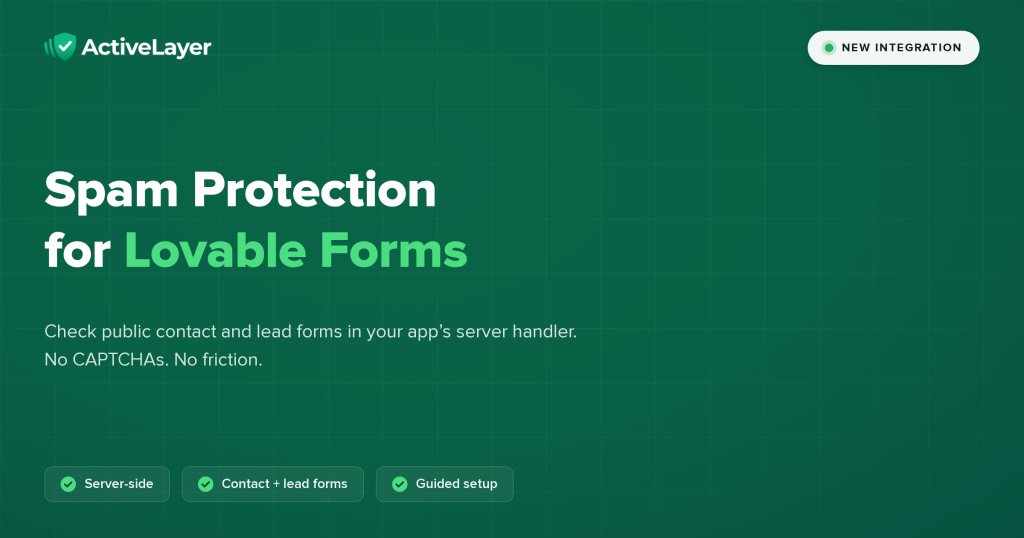
Today, ActiveLayer offers a guided spam-protection setup for Lovable forms. Copy our prompt into your existing project, let Lovable inspect its real submission paths, and review the server-side changes before you publish. This is a project-specific implementation, not a switch that automatically protects every app built with Lovable.
How Lovable spam protection works
Your public contact and lead forms
Start with an existing public form that a visitor can submit, such as a contact, inquiry, or lead form. The Lovable setup page provides a prompt for these forms and asks Lovable to report which ones it actually protected. Check that report for your app rather than assuming every form is covered.
Lovable must inspect each form’s fields and the path that actually handles its submission. A form that writes directly from the browser to a database needs a server handler for the protected write. An alternate endpoint or database policy must not let the same submission bypass the check. The guide tells Lovable to reuse your existing backend and keep the form’s design, validation, accessibility, and normal delivery path intact.
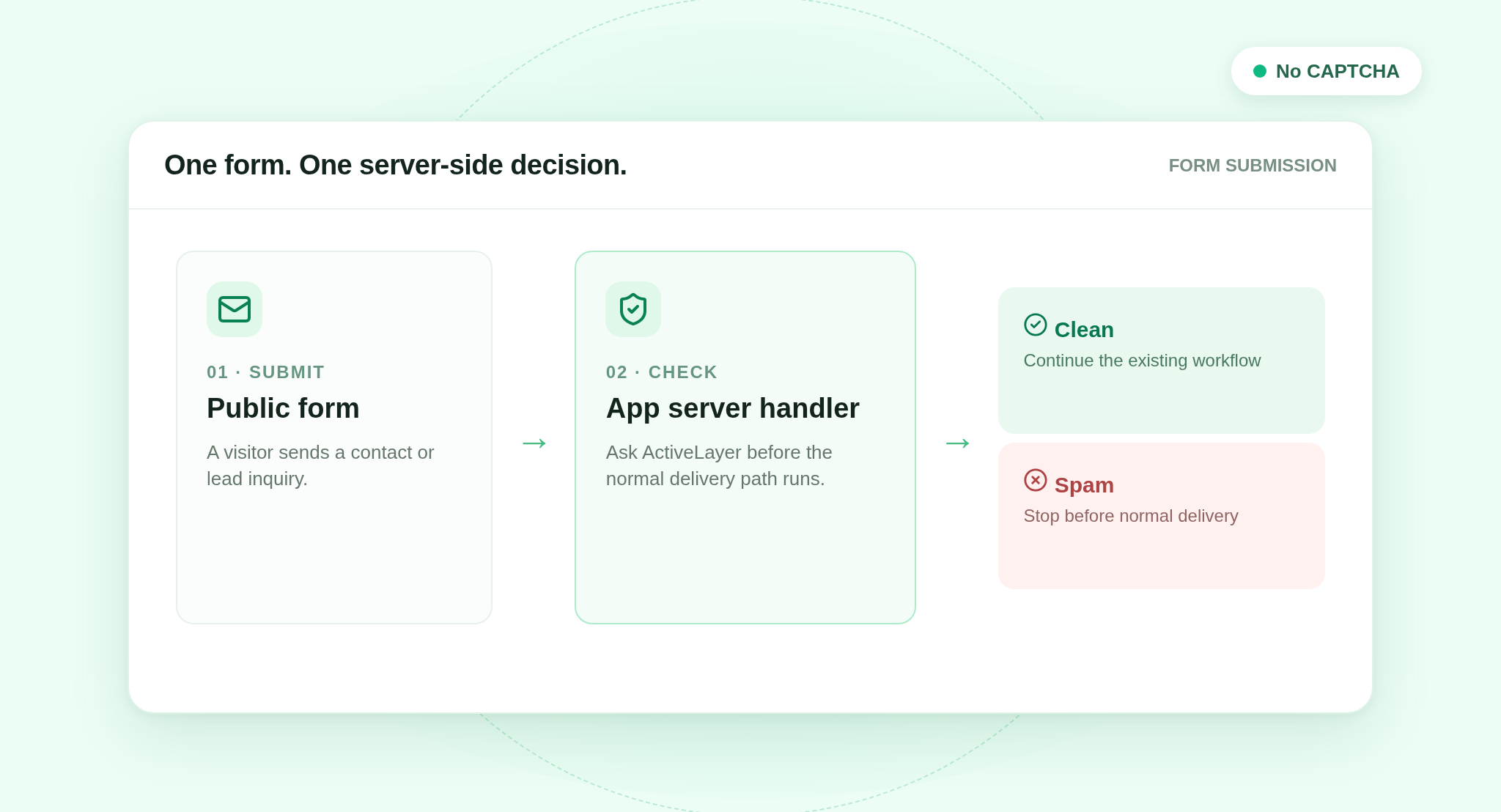
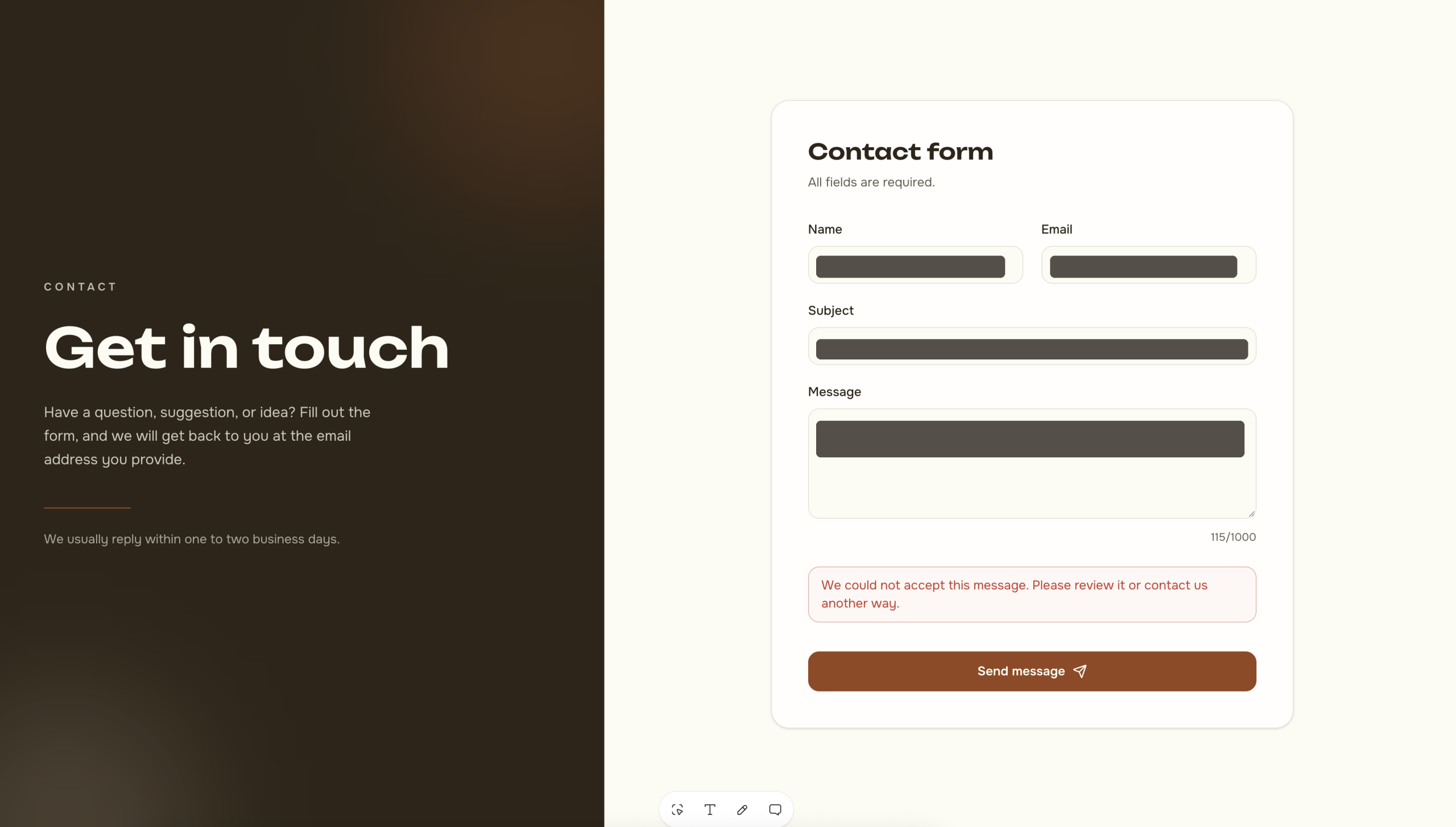
The integration guide directs Lovable to put the check in your app’s server handler after form validation and before saving a lead, sending an email, calling a CRM, or queuing other work. The handler sends mapped visitor content to ActiveLayer and reads the API’s is_spam verdict. When implemented as described, a clean verdict follows the existing submission path once. A spam verdict stops that path and returns a form error with the input preserved. The exact wording depends on your app. Review and test the generated changes to make sure your form follows this path.
This recipe does not cover login, account creation, password reset, payments, or uploads. An embedded form whose submission backend you cannot modify needs its own provider-side integration. Do not call it protected because its page happens to be inside a Lovable app.
What happens when a check is unavailable
The published guide specifies a fail-open default for a timeout, service error, or exhausted allowance. It tells the implementer to continue the normal submission path, record the attempt as unchecked, and surface the problem to the owner. Unchecked is not a clean verdict: spam can get through while checks are unavailable. The guide handles a payload validation error differently, stopping the submission for repair while retaining the visitor’s input. If your app already has an explicitly stricter policy, the guide says to preserve it. Confirm the implemented behavior in your own project.
Why Lovable spam protection skips the CAPTCHA
A prospective customer should not have to solve a puzzle to ask for a quote. This setup calls ActiveLayer from your app’s server handler, not from a visible CAPTCHA widget. Your visitor keeps the form they came to fill out. If the check returns a spam verdict, they see your app’s form error rather than a challenge; if it returns a clean verdict, the form behaves as it did before.
Server-side also matters for the API key. It belongs in Lovable’s secure secret input or your connected backend’s secret manager, never in project chat, a browser variable, or frontend source. Your browser talks to your own submission handler; that handler talks to ActiveLayer. The guide asks the implementer to test not just the happy path but blocked verdicts, API failures, field mapping, and bypass routes. A preview test alone does not establish that the published app is protected.
Set it up in three steps
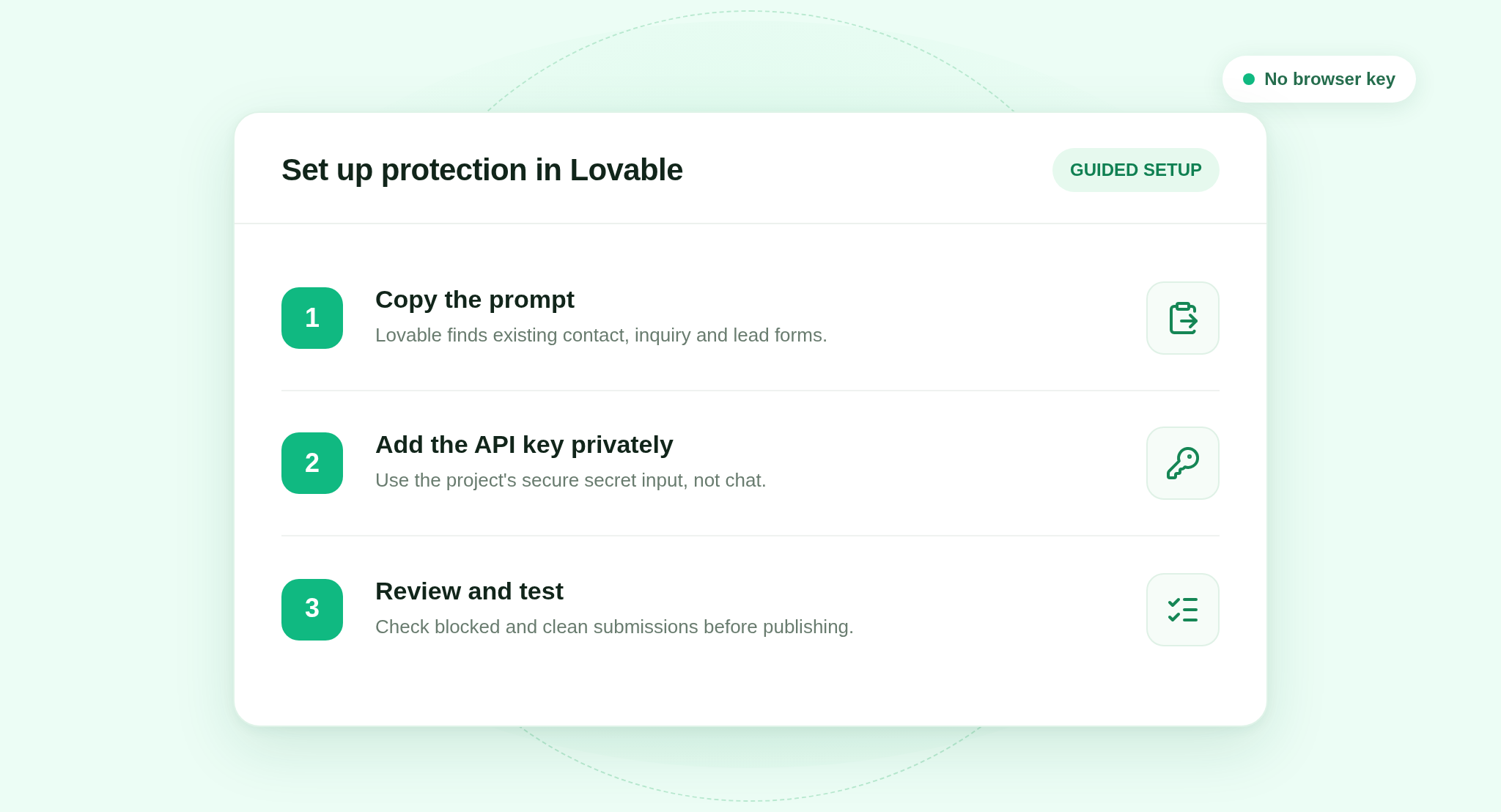
1. Paste the prompt into your existing Lovable project. Open the ActiveLayer for Lovable page, copy the full prompt, and give it to Lovable. It links to the implementation guide and asks Lovable to report which forms it found, how it mapped them, and any paths it cannot protect. This is not the ActiveLayer WordPress plugin.
2. Add your API key privately. Create a key in your ActiveLayer account. When Lovable requests ACTIVELAYER_API_KEY, use its secure secret input. Do not paste the key into chat. The guide requires a server-side credential check before setup is called complete.
3. Review, test, and publish. Inspect Lovable’s edits. Submit a normal form, simulate a blocked verdict and an API failure, and check that an old public route cannot write around the new handler. Test the published app after deployment, not just its preview. Ask Lovable to identify any form left unprotected. The server implementation depends on your project’s runtime and backend.
A note for agencies
If you build Lovable apps for clients, document coverage separately for each project. The same prompt is a starting point, not evidence that every client’s form uses the same handler. ActiveLayer’s pricing page lists unlimited sites on its plans; usage is counted in checks. Keep each project’s key in its server-side secret store and verify its live submission path before handing it over.
Pricing
New signups can start with 200 checks in total, a one-time allowance, with no credit card required. Existing Free accounts may have a different allowance shown in their account. Paid plans are available as your check volume grows. Check the current options on the pricing page.
Get started
Open your Lovable project, copy the prompt, and check the changes it makes to the forms that matter to you. The goal is specific: a server-side decision before a public inquiry becomes an email or lead, while legitimate visitors keep the form they came to use.
Questions? Reach out.